Execution software for Topstep · macOS

Your strategy. Executed the same way on every account.

Send your TradingView alerts or your Discord provider's signals to PropTradeBot. It runs the whole managed trade on your Topstep accounts, whether or not you are at the screen.

Founding members: $99/month, locked for your first 12 months. 20 seats.

PropTradeBotone alert → every account
BUYMES1! · alert from TradingViewaccepted
Account 1entry filled · stop placed
STOP
ENTRY
T1
T2
RUNNER
Account 2entry filled · stop placed
STOP
ENTRY
T1
T2
RUNNER
Account 3entry filled · stop placed
STOP
ENTRY
T1
T2
RUNNER

Illustration. Each account is managed off its own fill.

01One market entry
02A stop on every position
03T1 / T2 trims and a runner
04Flat before the close
The part that protects your accounts

It refuses rather than guesses.

Only TradingView alerts in PropTradeBot's format, and Discord messages matching what you taught it, are traded. Anything else is refused, with the reason shown in the app.

signal logillustration
REFUSEDWrong contract sizeThe alert is for a different contract size than your preset trades.
REFUSEDSecond entry while a trade is openOne market entry per trade. The open trade keeps being managed.
REFUSEDEntry far from the market priceThe signal's price is too far from where the market is.
REFUSEDMessage not understoodIt never guesses what a message meant.
TRADEDBUY MES1! · every account you choseSized, stopped and laddered by your preset.
Bring your own strategy

Two ways in. The same managed trade out.

Pick your firm in the guided setup and PropTradeBot configures the connection: no endpoint URLs, no config files. Set your sizing, trims, stop and accounts once, and save it as your preset.

TradingView

  1. Copy your webhook and alert message from your PropTradeBot dashboard.
  2. Paste both into a TradingView alert on your strategy.
  3. Every alert runs your preset on every account you chose.

Discord provider

  1. Install the PropTradeBot Connector in Chrome and keep your provider's channel open.
  2. Teach it their format by pasting one real entry and exit message.
  3. Watch it in shadow mode SHADOW, then switch to live.
Eval-saving safety rules

The technicalities that quietly kill evals, handled by the machine.

End-of-day flatten

Automatic flatten before the close, with hard cutoffs and early-close handling.

Daily-loss circuit breaker

A daily loss limit per account.

Orphaned-stop cleanup

Stops left behind by a closed position are cleaned up.

Live dashboard

Live P&L, per-account performance, open positions, trade history, and a flatten-all button, from any browser.

Runs on your Mac

Runs locally: no VPS, no shared servers, so it stays inside prop firm rules. Keep it open during your session.

Video guides

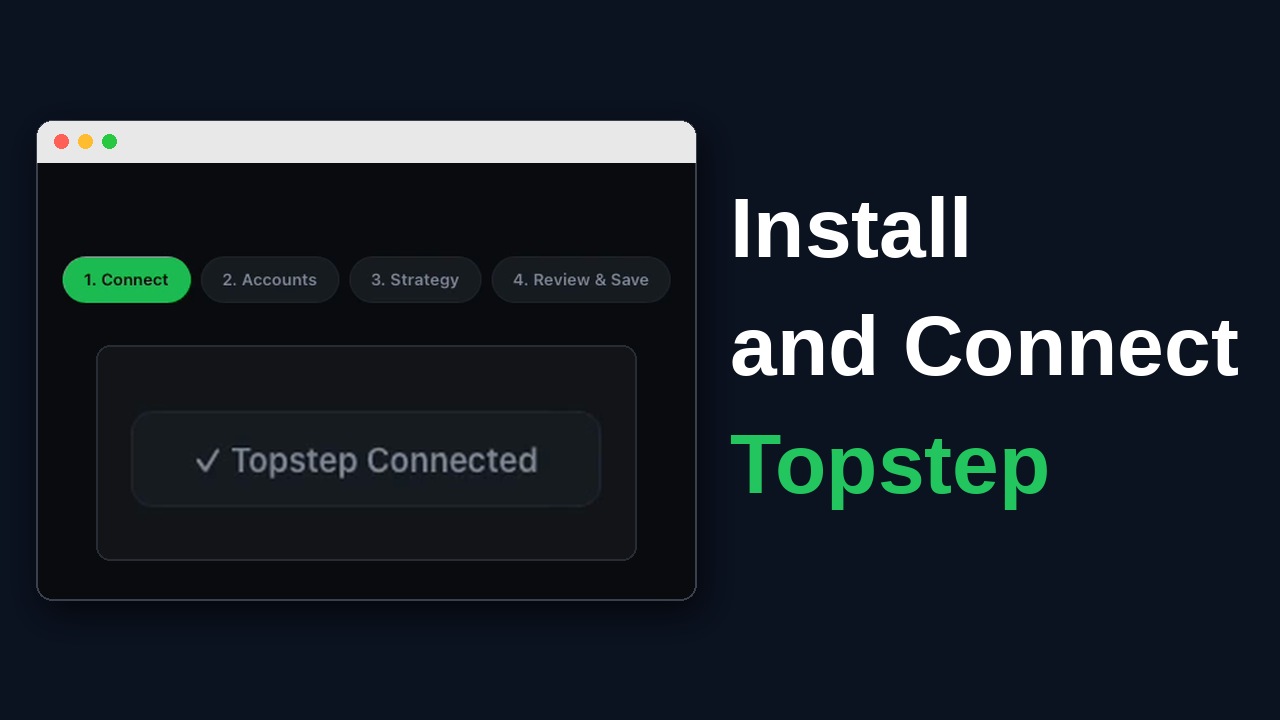
See it set up, step by step.

Pricing

One plan. Everything included.

Founding members · 20 seats
$99 /month

Locked for your first 12 months of continuous paid service. Regular price $149/month after that, with notice. Your 7-day free trial starts at checkout on Whop.

Start your 7-day trial

Paid plans are covered by our Terms of Service.

  • Multiple Topstep accounts
  • TradingView webhook automation
  • Discord signals from any provider (Chrome Connector)
  • MES or ES, MNQ or NQ
  • Auto ladder: trims, stops, runner rules
  • Safety: EOD flatten, daily loss limit per account
  • Dashboard with P&L from Topstep's fills

Start your 7-day trial.

Founding price $99/month for your first 12 months. 20 seats.

Start 7-day trial on Whop

Not ready yet? Leave your email and we'll send you product updates. No card, no charge.
Get Started